Ready for Water Drones? PowerDolphin says you are

powerdolphin.gif

Had enough of flying drones and ready to take the fun underwater? Check out PowerDolphin. For the angler-enthusiast its a tool to find fish, and, using the recontroled bait release, get the fish to come to you. The extreme sports type can capture up close kite-surfing selfies. Want to channel your inner Hassehoff? Use the remote controlled tow release drop that life preserver in reach of a swimmer in need (also see Lifeguard drone help resume two young swimmers).

Among its features:

  • 120 wide angled HD camera
  • remote-controlled bait deploy
  • Tow-cable that can tote and release life-saving equipment

Cheers!

Related Posts:

Editing an Email Subject line in Outlook

WithEmail, a good subject line is essential for good filing, however not every sender considers that when composing their email. If you received an email that needs a more descriptive subject, follow these steps to edit the Subject line.

2-1-2018 3-52-15 PM

To Edit the Outlook Subject line

  1. Open the message.
  2. Click the chevron (▿) at the far right of the message header. The header will expand down.
  3. Click your insertion point on the subject line and edit the text.
  4. Close the message, selecting Yes, when prompted to save (alternatively, press CTRL+S to save edits prior to close).

Want to edit the subject lines a little quicker?  Change your Outlook View Settings to  edit subjects lines directly from the Message List.

edit subject

Modify your view settings to edit subject lines from the Message list.

  1. Click View and select View Settings. The Advanced View Settings dialog appears.
  2. Click Other Settings button. The Other Settings dialog appears.
  3. Check the Allow in-cell editing.
  4. OK. OK.

Click the subject line you want to change, and edit directly in the Message List.

Cheers!
ʎɔuınb

Additional Reading:

apples to: Outlook 2016, Office 365

LG and HERE bring AI to Self-driving Cars


Electronic giant LG and Intelligent mapping group HERE, are joining talents to bring AI to self-driving cars. You can read more about that here. But what I’m excited about is the marketing teams’ optimistic view of the SF commuting:

In the above marketing pic, not only is there an absence of standing traffic on the SF Bay Bridge during what must be  rush-hour (judging by the suncast shadows on the road), but there is also a pedestrian walkway on the western span (the one that links Treasure Island to San Francisco).

Now THAT’S a future I’m looking forward to.

For more, read:

Cheers!

Quincy

Lamborghini: Terzo Millennio

This slideshow requires JavaScript.

Lamborghini’s Electric Auto


Also:

Cheers!

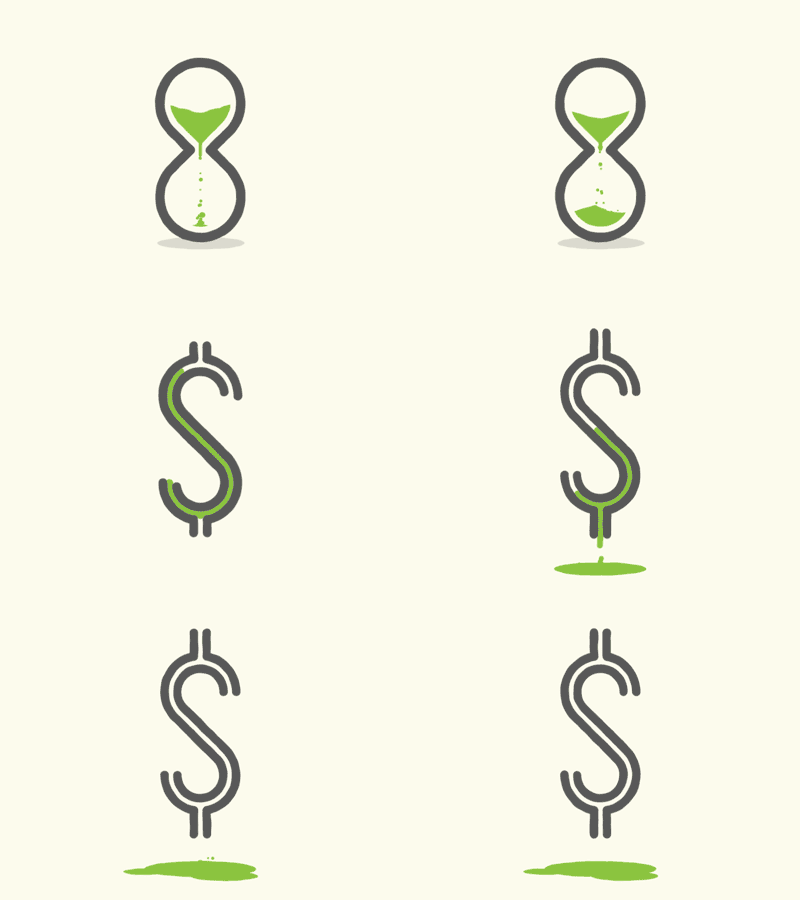
DST: Thank the Golf Lobby for today’s extra hour

time-and-money.gif
image by Brandon Wall

..and thank blame the Barbecue, Baseball, and Candy Lobbies, too!

When daylight saving was first enacted, golf ball sales skyrocketed. One additional month of daylight saving was worth $200 million in added golf clubs sales and greens fees.

The barbecue industry said it was worth $100 million in additional sales of grills and charcoal briquettes.

Before Lighted stadiums made night games standard, the Baseball industry also exerted strong influence for Congress to enact Daylight Saving Time.

In 2005, the candy lobby, successfully lobbied for extending DST from six to eight months, thereby covering Halloween, reasoning that an extra hour of evening light would benefit the juvenile extortion racket (aka: ‘trick-or-treat’) thus positively impact sales.

sources,  Spring Forward: The Annual Madness of Daylight Saving Time, and QZ: Daylight Saving Time … by corporate lobbies, not farmers

Releated reads:


Google Drones to Deliver Burritos

TacoCopter.gif

Manna from Heaven?

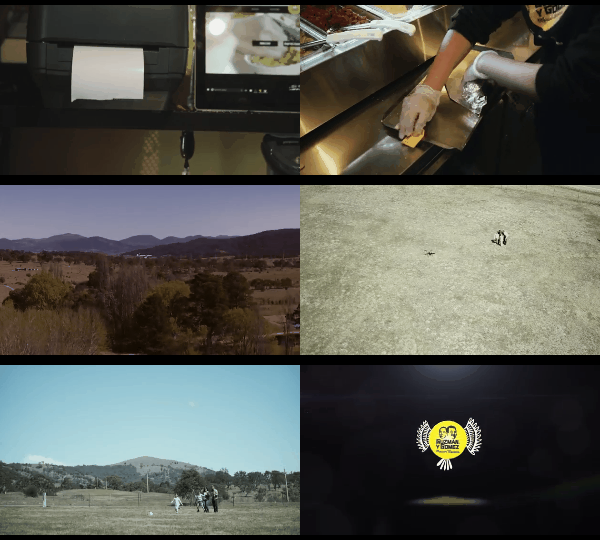
Google‘s parent company, Alphabet, is partnering with Guzman y Gomez to deliver Mexican food to the great Outback. A successful pilot program by these taco-copters will lead to burritos dropping out of the sky all over the down under.

via TC: Alphabet’s Project Wing now delivers burritos …

Related topics:

Cheers!

ʎɔuınb

iOS 11 Quick Tip: turn off Background Refresh

iPhone-Low-Battery-Charge-Devices-Article.jpg

Turning off background refresh (your phone’s insistence to update content on your apps whenever it can) will drain your battery life. iOS 11 has this option enabled (thanks Apple). Here’s how to turn it off:

  1. Open Settings
  2. Tap General
  3. Tap Background App Refresh
  4. Go through all your apps and turn off the ones that you don’t need to keep on.

For more check on this read:  Quartz-iPhone Battery Draining Tips

And for more read:

Cheers!

ʎɔuınb