iOS users, now you can swap that boring blue Nav arrow for a flashy red sport car or a sensible pickup truck.
What? no Go Karts?
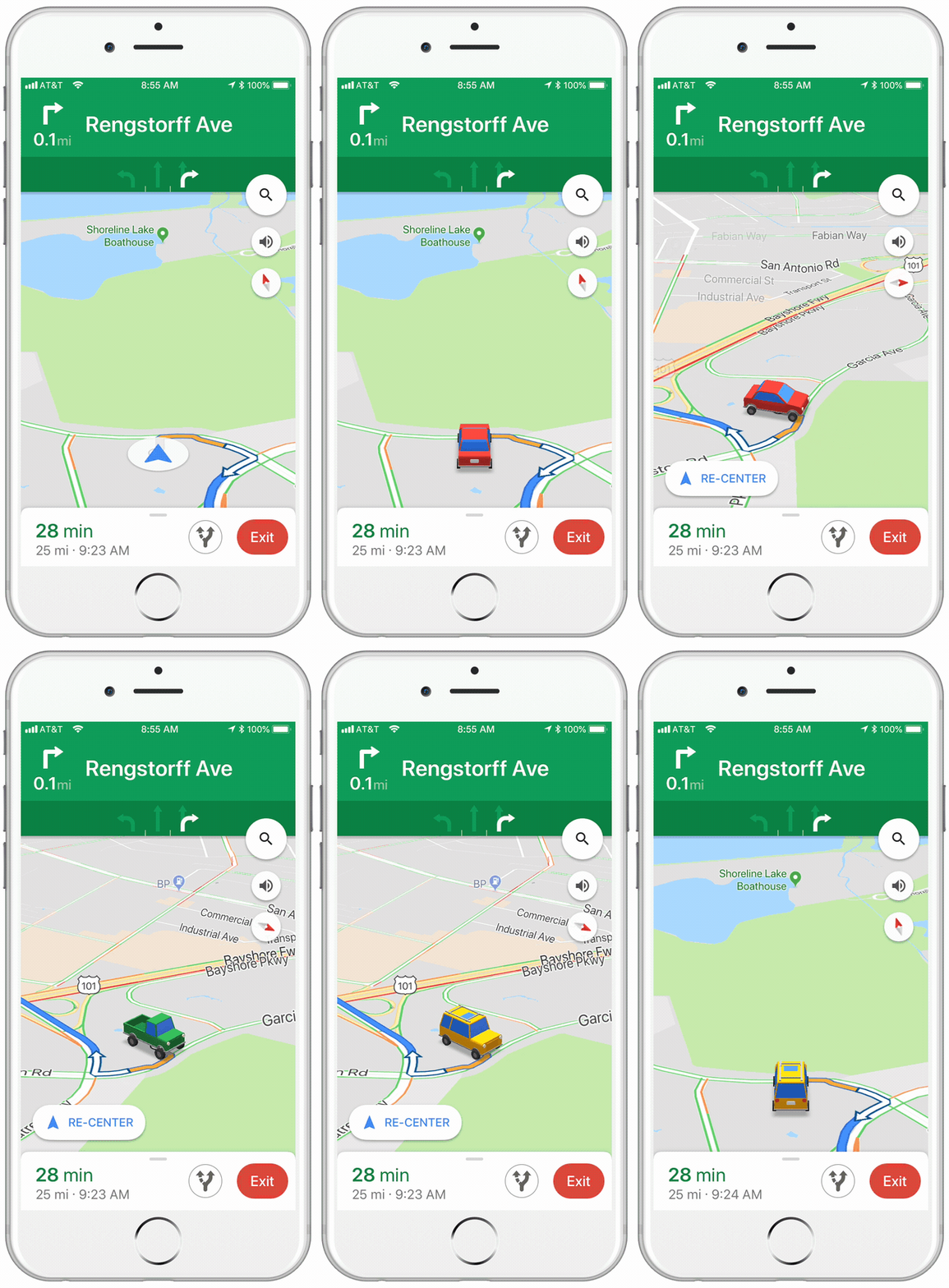
To Select Your Vehicle in Google Maps
- Launch Google Maps, and start navigation.
- Tap the Nav arrow. The Choose Vehicle pane will appear.
- Select preferred vehicle and enjoy that new car smell!
Cheers!
quincy
Related Posts:
Author: quincy harley jr
Quincy is a technophile, coach and Learning Development expert. He has an extensive legal IT background and is practiced in MS Office application support and product development. As a project leader he has been integral in numerous new application rollouts. Whatever spare time he has, is spent with reading, archery and watching his young sons grow.
View all posts by quincy harley jr

 Ask Quincy
One thought on “Google Maps Lets You Choose Your Car🚗”