Honey, have you seen my phone?
You don’t need a tracking device to locate your Android phone. Just log into your Google Play Store account and access the Android Manager.
You can have your phone send out a Here I am! ring, or lock the device with an “If found, please return..” message;
…to reunite you with your lost loved one.
To Locate your Android Phone
- Go to https://play.google.com.
Note: you will need to be logged into your Google account. - Click the settings
 icon and select Android Device Manager.
Your phone’s location will appear highlighted.
 - Select preferred option(s):
a. Click Ring to have your phone ring.
b. Enable and Select Lock to secure your phone.
c. Click Erase to wipe your personal data.
Cheers!
hɔuᴉnb
Related posts:
Comments and questions are always welcome!
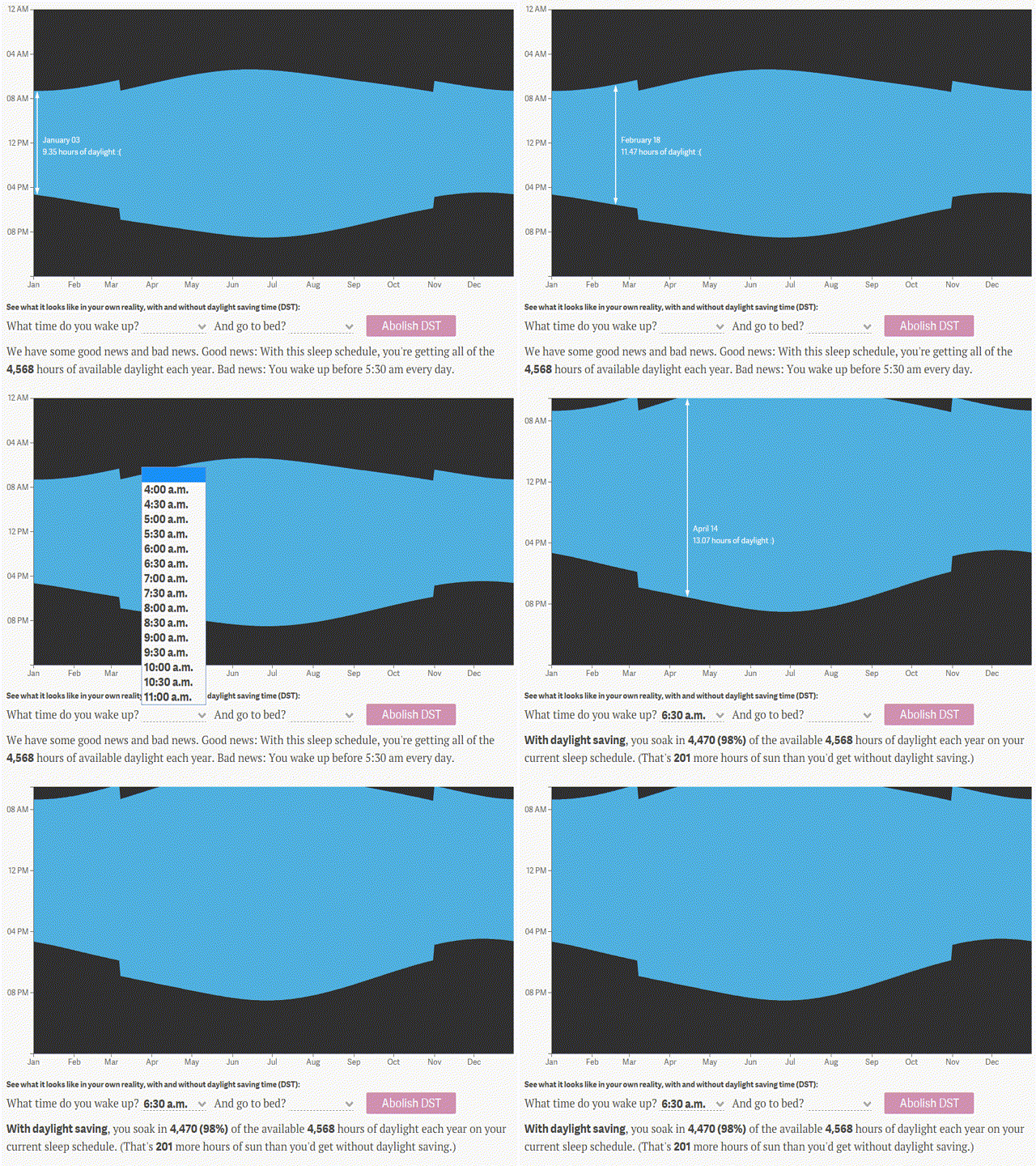
 While sleeping in this morning (with the extra hour I gained last night) I consider:
If, at 2:00 AM I set my clock to 1:00 AM, what happens in 60 mins when 2:00 AM rolls back around?
While pondering this
While sleeping in this morning (with the extra hour I gained last night) I consider:
If, at 2:00 AM I set my clock to 1:00 AM, what happens in 60 mins when 2:00 AM rolls back around?
While pondering this 
 Tag Heuer’s answer, the Connected smartwatch. With all the trimmings this $1,500 Android device has all the sensors and fitness-tracking functions you’d expect in a smartwatch, wrapped up in a chic, high-end design you’d expect from Tag Heuer
 Ask Quincy